What Getting Exemption Wrong Costs A School
Government used to pay back a substantial percentage of the exemptions a school granted. That contribution is now minimal, and the shortfall is carried by the parents who do pay. Every application assessed inconsistently, every liability split calculated incorrectly, and every outcome letter sent without appeal rights adds to money the school was never required to lose.
What the government contribution can amount to in real terms against the exemptions a school grants. The shortfall is carried by the parents who do pay.
What a single school can write off in a year. Most schools cannot say precisely how much, to whom, or on what basis it was granted.
Written for a different economy and never revisited. You cannot change the formula, so the only thing left to control is how accurately you apply it.
What The Exemption Module Does
The short answer schools ask for first: it automates the entire exemption application process. The calculation, the outcome letter, the reports and the departmental list all come out of one system, so your team checks the work instead of doing it. It is part of our wider school fee collection software, so exemptions and the accounts they affect sit in the same system.
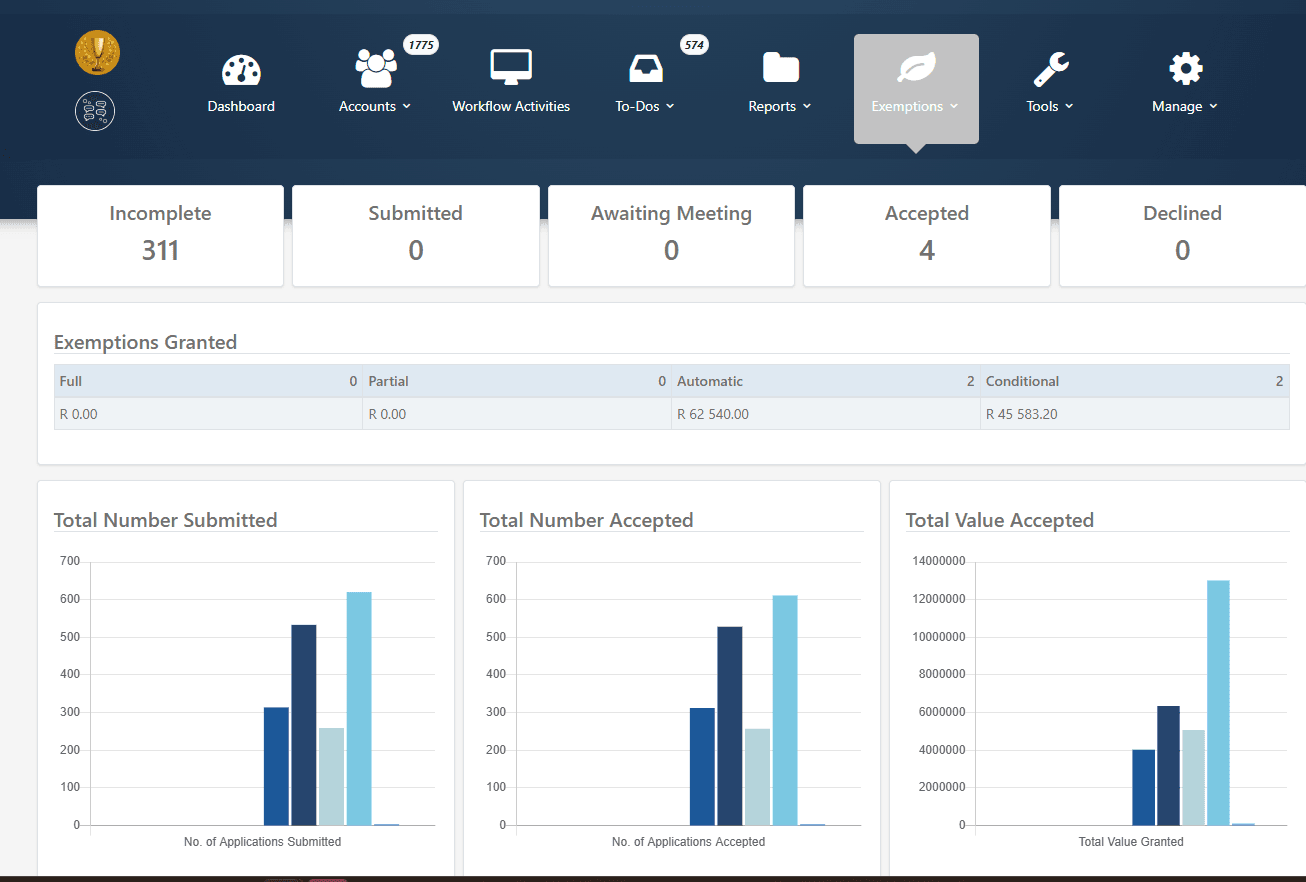
The Whole Application Process, Automated
The exemption module takes your debtor management team through the entire school fee exemption application process, from the moment a parent submits an application to the moment the outcome letter goes out. Every application sits in one place, with its status, supporting documents and calculation visible to the whole team.
- One dashboard for every exemption application
- Status tracking from submission to outcome
- Supporting documents attached to each application
- Full audit trail of who did what, and when
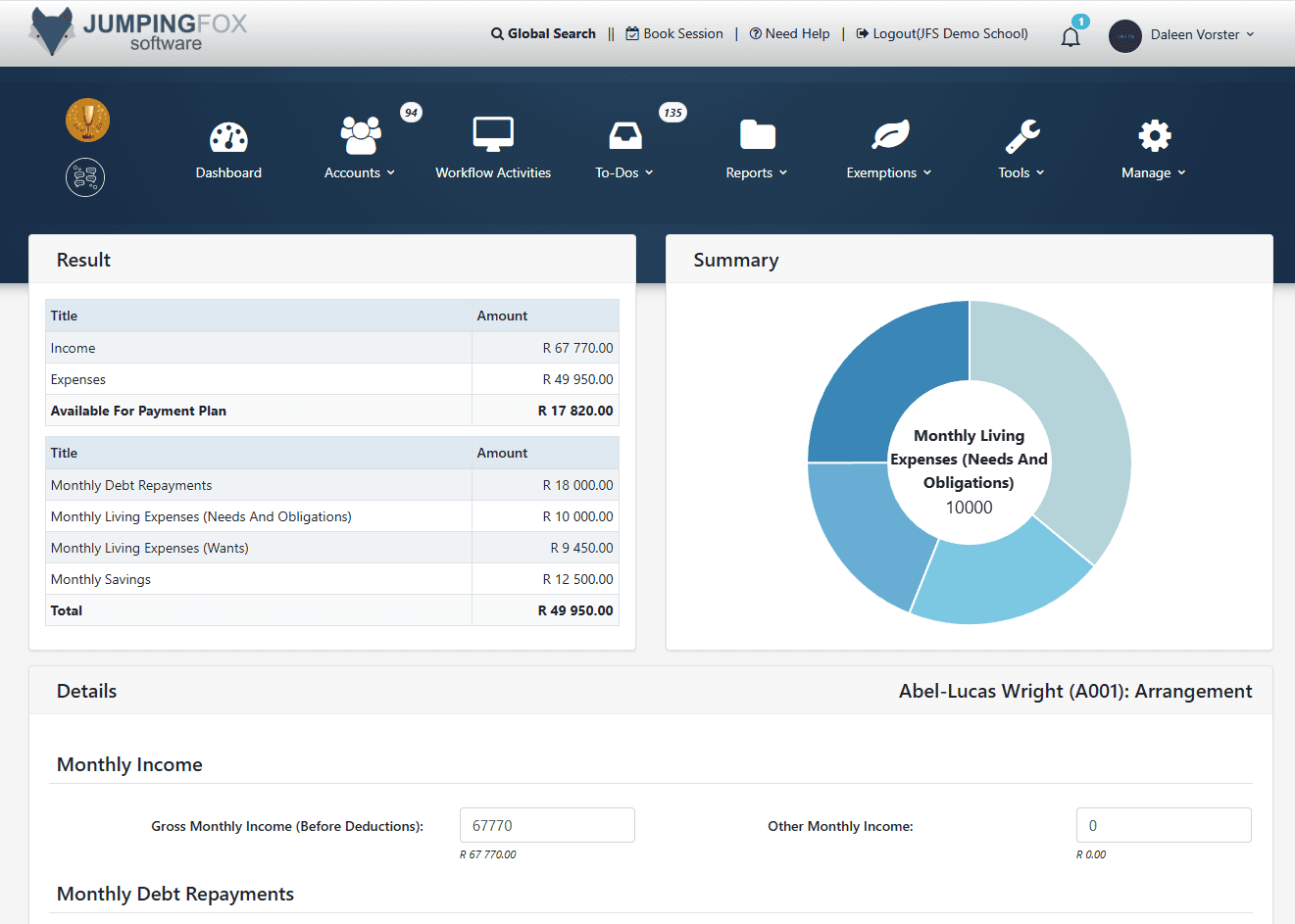
Every Calculation Done For You
The system applies the formula set out in the regulations to combined gross annual income, annual school fees, number of dependants and additional monetary contributions. No spreadsheets, no manual arithmetic, and no two staff members reaching two different answers on the same application. Your team checks the result rather than working it out.
- Full, partial and conditional exemption outcomes
- Consistent results across every application
- Calculation shown and stored for the appeal record
- Handles divorced and separately liable parents correctly
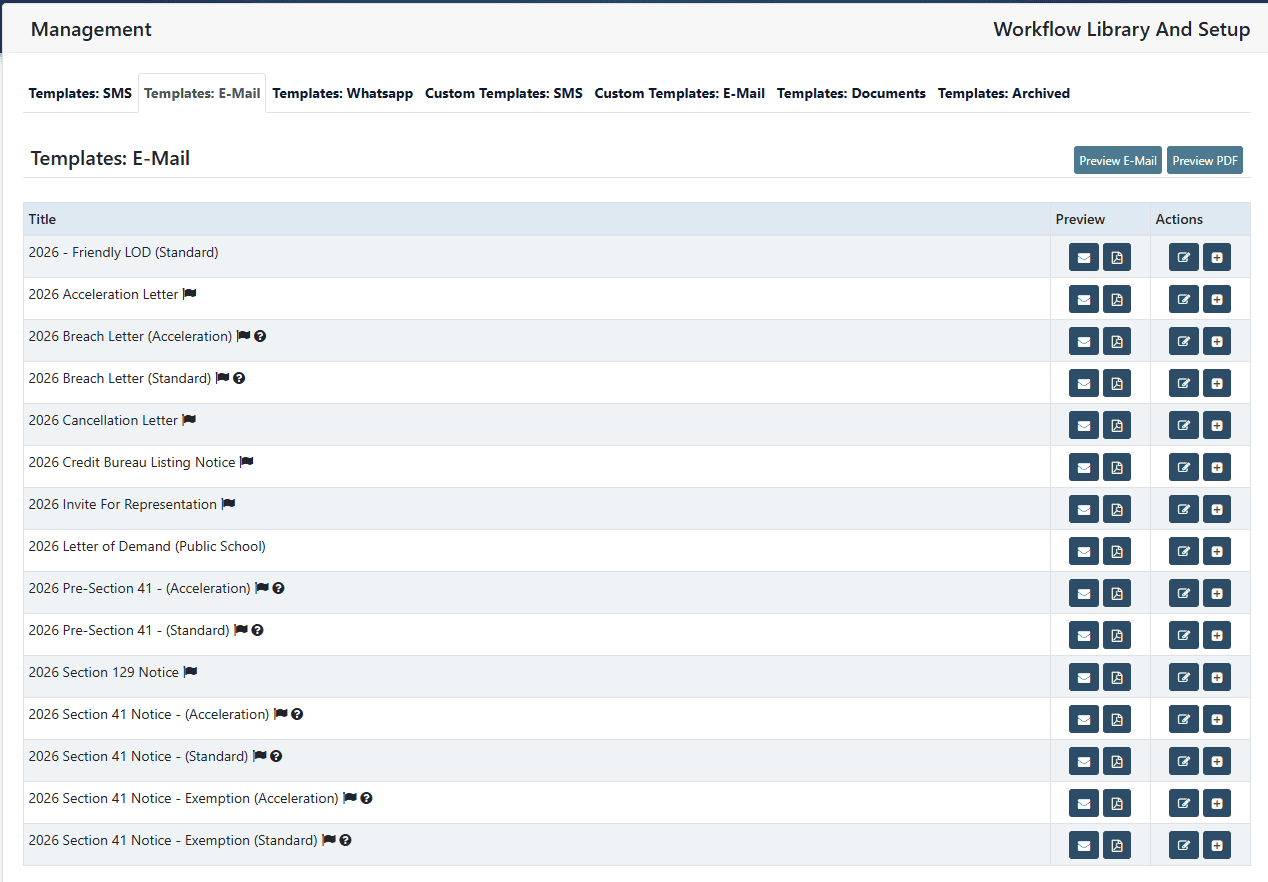
The Outcome Letter, Created For You To Send
The outcome letter is what communicates the decision to the parent, and it is where the parent must be advised of their right to appeal. The system creates it for every application automatically, and your team sends it. That is deliberate: schools have told us they want to read a document before it reaches a parent, so nothing goes out without a person checking it first.
- Outcome letter created for every application
- Nothing reaches a parent without your team checking it
- Appeal rights included, so the decision holds up
- Correspondence stored against the application
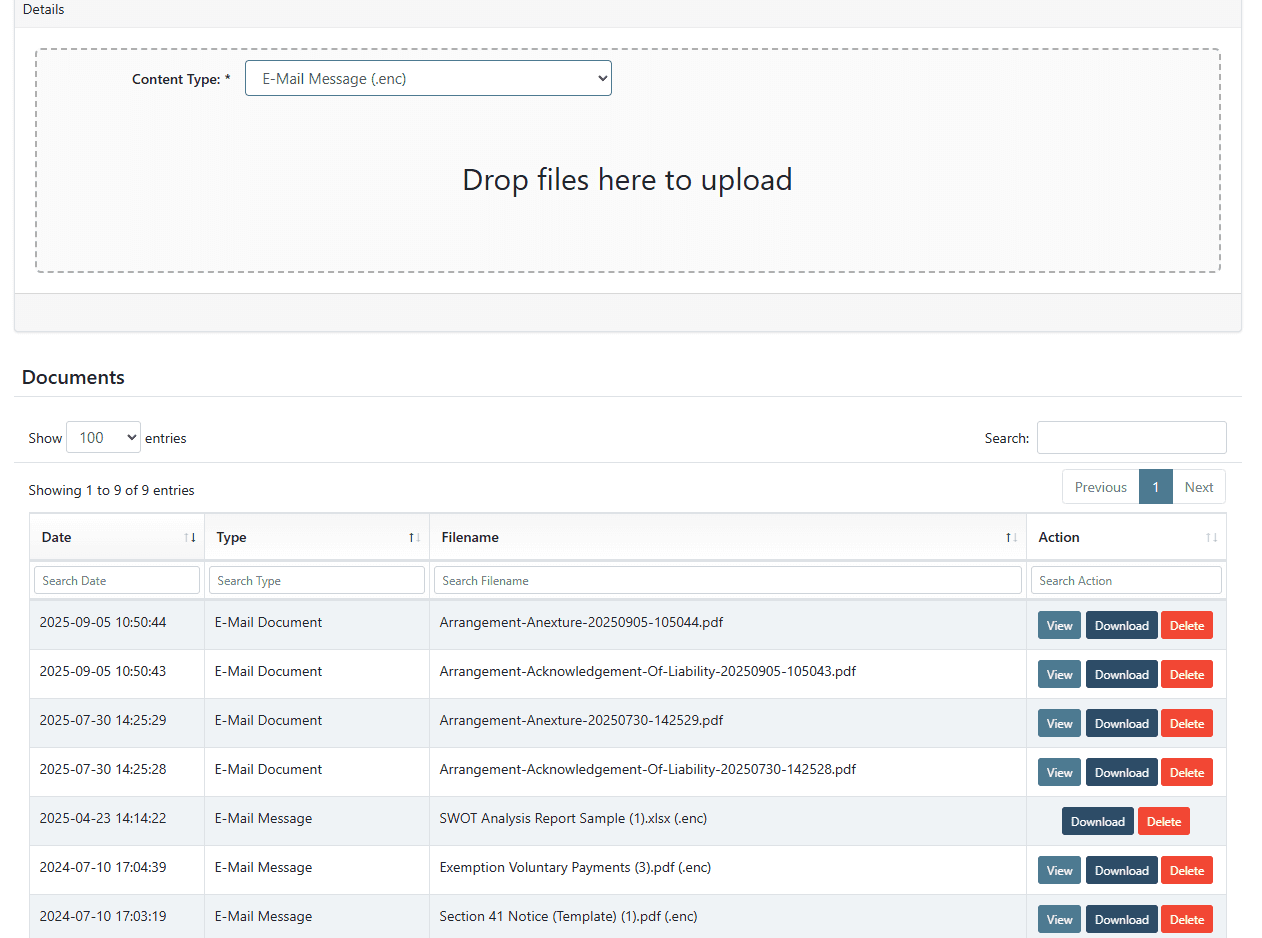
Web-Based SGB Access
In the old days the SGB member had to carry a stack of paper exemption applications home or to the office and work through them there. Now they simply log in, view the applications online, and sign them off. It is the single biggest time saver in the module, and it removes the bottleneck that holds up every exemption cycle.
- SGB members log in and review online
- Sign off applications without paper files
- No confidential documents leaving the school
- Decisions recorded against the application instantly
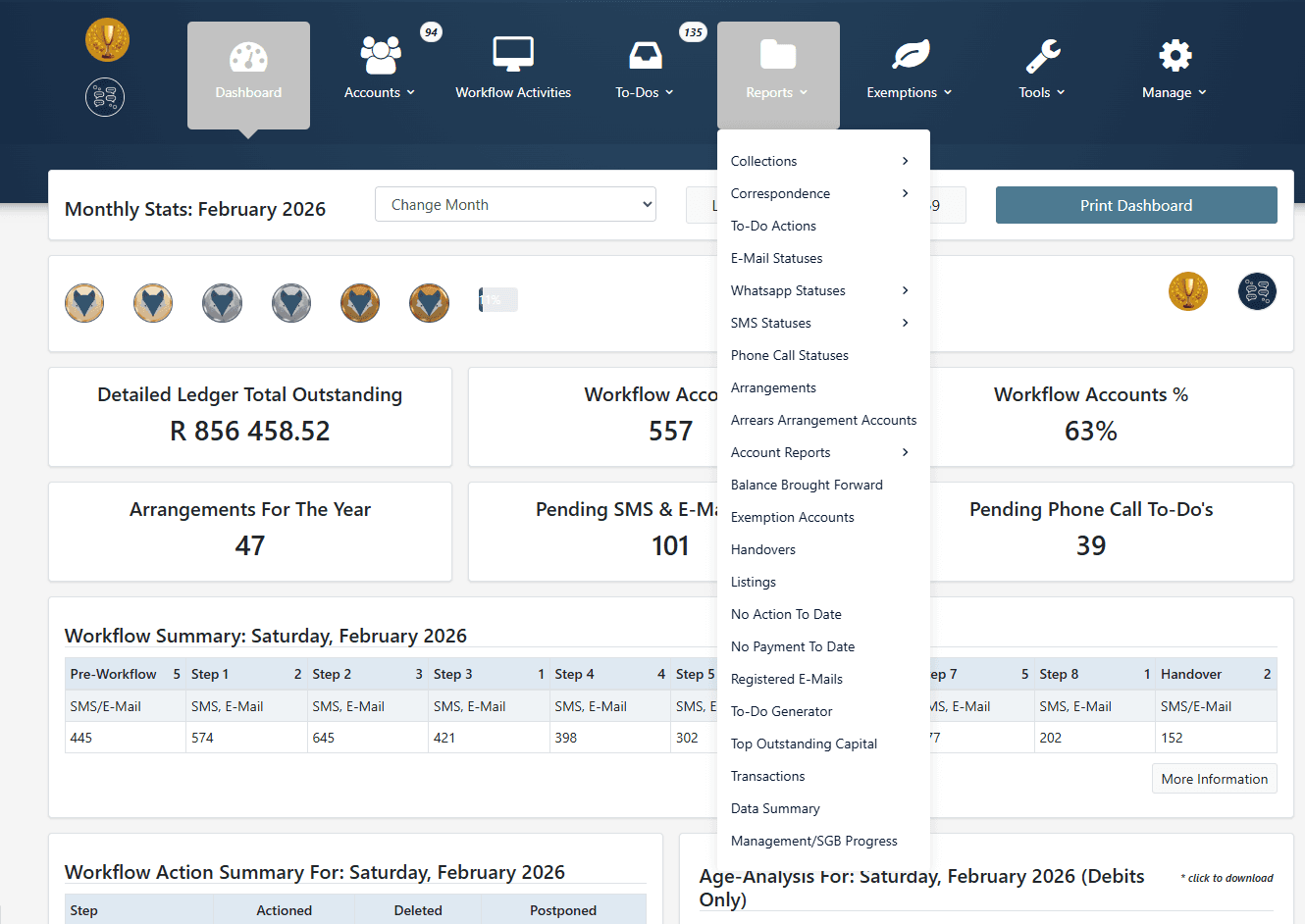
Reports By Status, And The Departmental List
See which applications are still incomplete, which are ready to go to a meeting, and which are sitting with the SGB waiting for sign-off. The full departmental list is generated automatically and downloads straight from the reports when you need to submit it, with everything kept on record according to the Department’s requirements.
- Reports by status: incomplete, ready for meeting, at the SGB
- Departmental list generated automatically, ready to download
- Records kept in line with departmental requirements
- Totals the SGB can take straight into a budget meeting
How An Application Moves Through The Module
Four steps, the same way every time, with a record at every stage that stands up if the outcome is appealed.
The parent applies
The application and every supporting document land in one place against the correct parent, not against a shared family account. Your team sees what has arrived and what is still outstanding.
The formula runs automatically
Combined gross annual income, annual school fees, dependants and compulsory contributions go into the prescribed formula. One answer, every time, with the working stored against the application.
The SGB signs off online
Governing body members log in, review the application and the calculation, and approve or refuse it. No paper files leave the school and no exemption cycle waits on a stack of folders.
The outcome letter and the record
The outcome letter is generated with the appeal rights on it, ready for you to check and send. The decision is recorded against the parent, and the departmental list builds itself in the background.
See it running on your school's exemption applications
The calculation done automatically, the outcome letter created for you to send, reports by status and the departmental list on demand.
The Formula, Applied Automatically
Four financial numbers decide whether a parent receives a full exemption, a partial exemption, or no discount at all. Get one of them wrong and the whole calculation breaks. The exemption calculator takes all four and applies the prescribed formula, so two staff members can never reach two different answers on the same application.
Combined Gross Annual Income
The combined gross annual income of both parents. This is not take-home pay, and it is not what remains after expenses. This means gross income before any deductions for every parent legally responsible for the learner.
Annual School Fees
The school fees payable for the learner for the current financial year. The higher the school fees are relative to household income, the greater the percentage of exemption a parent will qualify to receive.
Number of Dependants
The total number of learners a parent supports at fee-charging public schools. While this specific number does not feed into the core financial formula directly, it dictates which column of the regulatory table translates the final percentage into an actual exemption level.
Additional Monetary Contributions
Any compulsory payments that the school legally demands beyond basic tuition. While optional expenses like school uniforms are strictly excluded, mandatory levies and compulsory school contributions must be added to the annual school fees before calculating the final exemption ratio.
Public schools only
Exemption applies to public schools. Where a learner wants to attend a specific public school, the parent simply applies for exemption.
It is not the school’s discretion
The Act and the regulations decide. The school applies the prescribed formula. A school cannot refuse a qualifying parent.
Income and nothing else
Only income may be taken into account. Where income is in doubt, the SGB may request further information.
The higher the school fees, the greater the percentage of exemption a parent receives. This is why two parents on identical incomes at two different schools can receive completely different outcomes, and why high-fee schools carry the heaviest exemption burden.
The Difficult Scenarios The Act Does Not Answer
Software applies the formula. It cannot tell you what to do when the parents are divorced, when one parent cannot be found, or when you can see the parent can afford to pay but the formula says otherwise. These are the scenarios schools ask us about every week, and our team works through them with you before a decision is made.
The parent can clearly afford to pay but qualifies. Can you use an AOD instead?
No. An exemption is a statutory right, so an Acknowledgement of Debt cannot be used to work around the Schools Act, and signing one leaves the school with no enforceable claim.
A parent qualifies this year and wants exemption for previous years too.
No. A school financial year runs January to December, so relief for a prior year is a write-off rather than an exemption, and it must be recorded and approved as one.
You suspect the parent has not disclosed everything. Can you demand more?
Yes. The governing body may require bank statements, salary slips and IRP5 certificates, and may run a deeds office search for undisclosed rental income.
A parent inherits a large sum and then applies. Does the inheritance count?
There is a strong argument that it does. Interest earned on an inheritance falls within the definition of income, and a lump sum that materially changes a parent’s net worth is arguably an investment that must be considered.
Can academic performance, behaviour or attendance be taken into account?
No. Nothing other than income may be considered, so the correct route is to establish the full income picture using the information the Act permits you to request.
The parent is unhappy with the outcome. What must the school do?
Advise them of the right to appeal, and treat it as compulsory. Schools that leave the appeal right off the outcome letter create a procedural defect that undermines the entire application.
Only one parent applies because the other cannot be found.
Assess it, then document it. The application is assessed on the applying parent’s income, but the school must independently trace the other parent and record every attempt to preserve the debt.
Getting the liability split wrong at application stage is where schools lose the most money, and it undermines any legal action that follows. Talk to our team before a difficult application is decided.
You Get The Module, And The People Behind It
The best exemption module in the country still will not tell you how to handle a difficult parent or what the legal position is when only one of two divorced parents applies. That is why the software comes with attorneys, training and a team that answers those questions as they arise, not months later on appeal.
Founders who are practising attorneys
Daleen Vorster and Hendré Vorster work with public schools daily and assist debtor management teams in resolving complicated exemption scenarios as they arise, not months later on appeal.
Training on real exemption scenarios
Schools in the Jumping Fox Software community receive training on the scenarios that actually cost them money, so decisions are made correctly the first time and appeals to the Department are avoided.
Quarterly updates driven by schools
The exemption module is updated quarterly with a single focus: helping debtor management teams save time. What schools tell us is what gets built.
Built by Legal Experts
Who Understand Collections
Attorney Daleen Vorster co-founded Jumping Fox Software after 31+ years in credit law and debt recovery, watching good people fail at this job through no fault of their own. It is the only debtor management platform in South Africa built from genuine legal expertise, with gamification, AI assistance from Roxy and inter-school competition.

What Schools Ask Us
The questions debtor management teams and governing bodies ask us most often when they are looking at the exemption module.
The exemption module automates the entire school fee exemption application process, from the moment a parent submits an application through to the outcome letter and the departmental list. Applications are captured and tracked by status, the prescribed formula is calculated automatically, the governing body reviews and signs off online, and every document and decision is kept on record according to the Department’s requirements.
Internal Debtor Management Assessment
Exemptions are only one part of what your debtor book is doing. Before you change anything about your collections process, you need to know what is actually wrong with it. Complete our free assessment and our experts will give you a straight answer what is working, what is not, and what needs to change. Whether you use our software or not.
Set aside 10 minutes to complete this assessment.